FYI just got visual and conversational. Instead of parsing walls of text, you can now see your updates as flowcharts—and ask questions to go from read to action, all without leaving Home.
Diagrams: See your updates, don't just read them
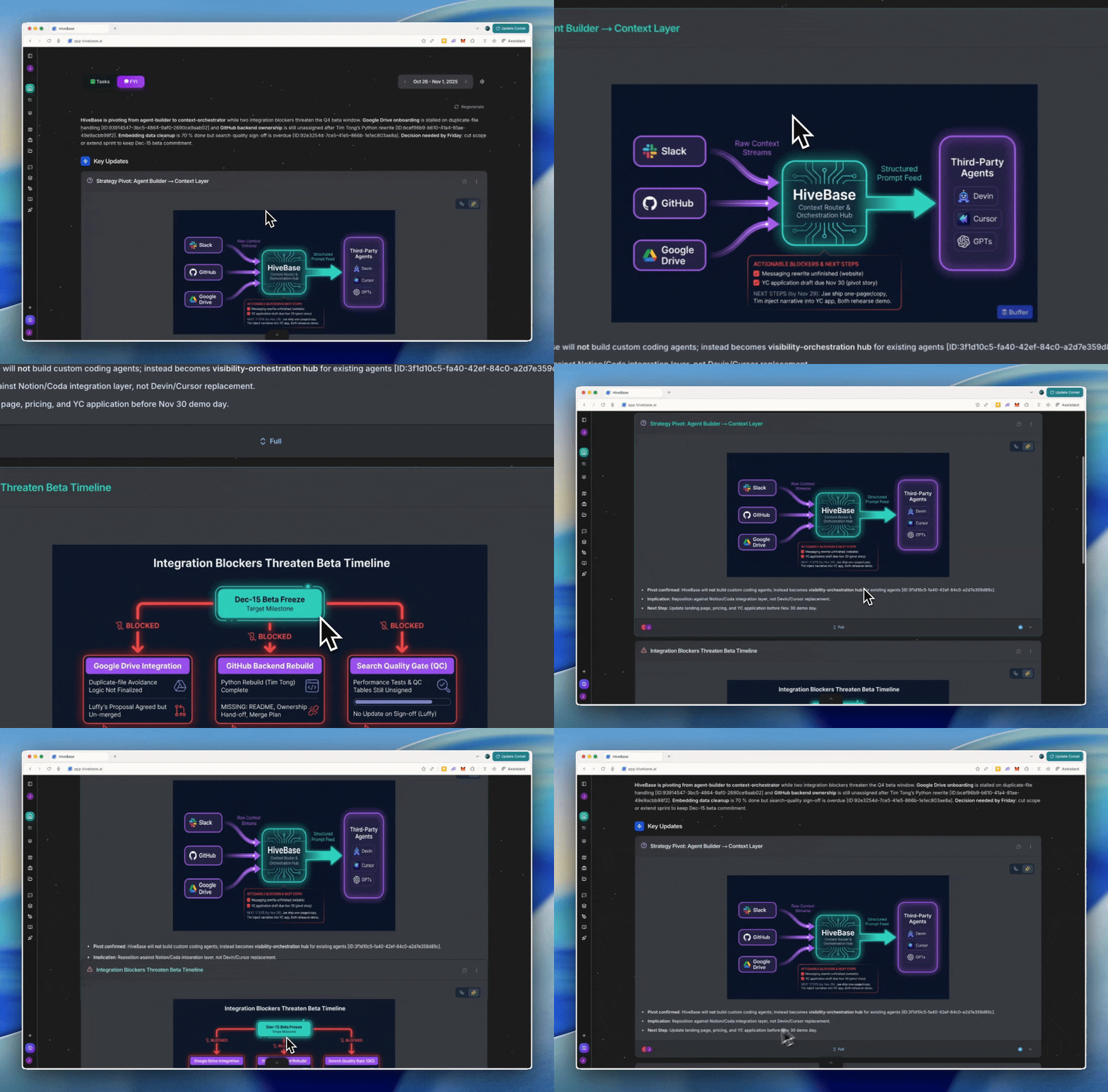
When the AI analyzes your team's activity—Slack threads, Linear issues, GitHub PRs, meeting notes—it now automatically generates flowcharts for anything complex: blockers, multi-step processes, cross-team dependencies, or decision trees.
Instead of reading "Team A is blocked by Team B which is waiting on Team C," you see a clean diagram: Team A → Blocked By → Team B → Waiting On → Team C. Great for incident timelines, approval workflows, and architecture changes that are hard to follow in paragraph form.
AI-Illustrated Diagrams (powered by Nano Banana)
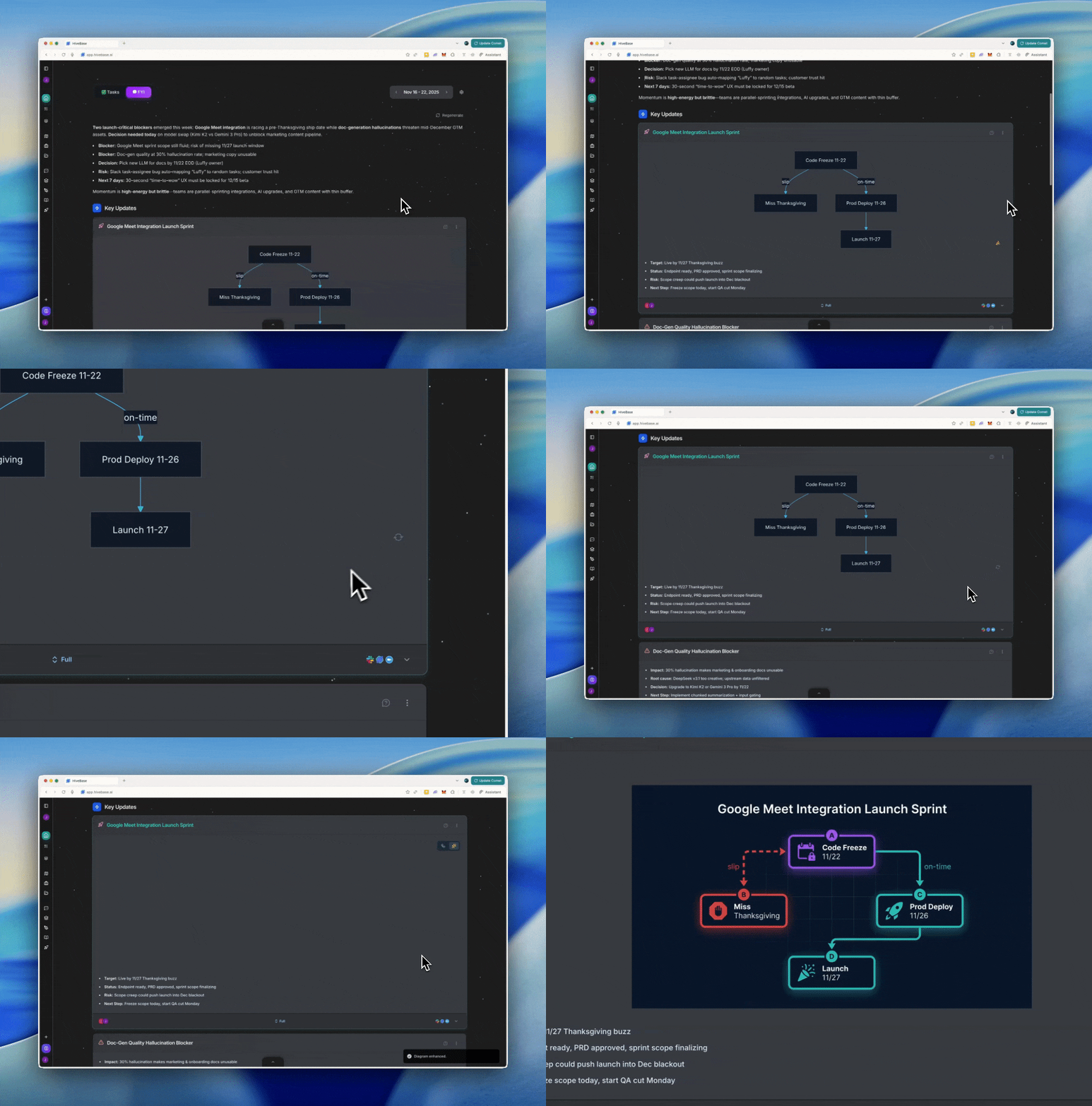
Click the 🍌 button on any diagram to transform it into a polished, high-resolution illustration—the kind that looks like it came from a strategy deck or executive presentation. It illustrates the concept with visual hierarchy, grouping, and professional polish. Turn a dry status update into something you'd show stakeholders, in one click.
Chat: From read to understand + decide
Chat with FYI makes your weekly brief interactive. Click Ask on the full report or on any individual cluster (risks, launches, decisions) to start a conversation scoped to that context.
The assistant answers as if it's sitting next to you, looking at the same report—so you get specific, grounded responses instead of generic AI fluff. Use it to:
- Clarify: "What's driving this risk?" or "What changed since last week?"
- Decide: "What's the tradeoff between option A and B?"
- Act: "Draft a Slack update from this cluster" or "List the next 5 actions"
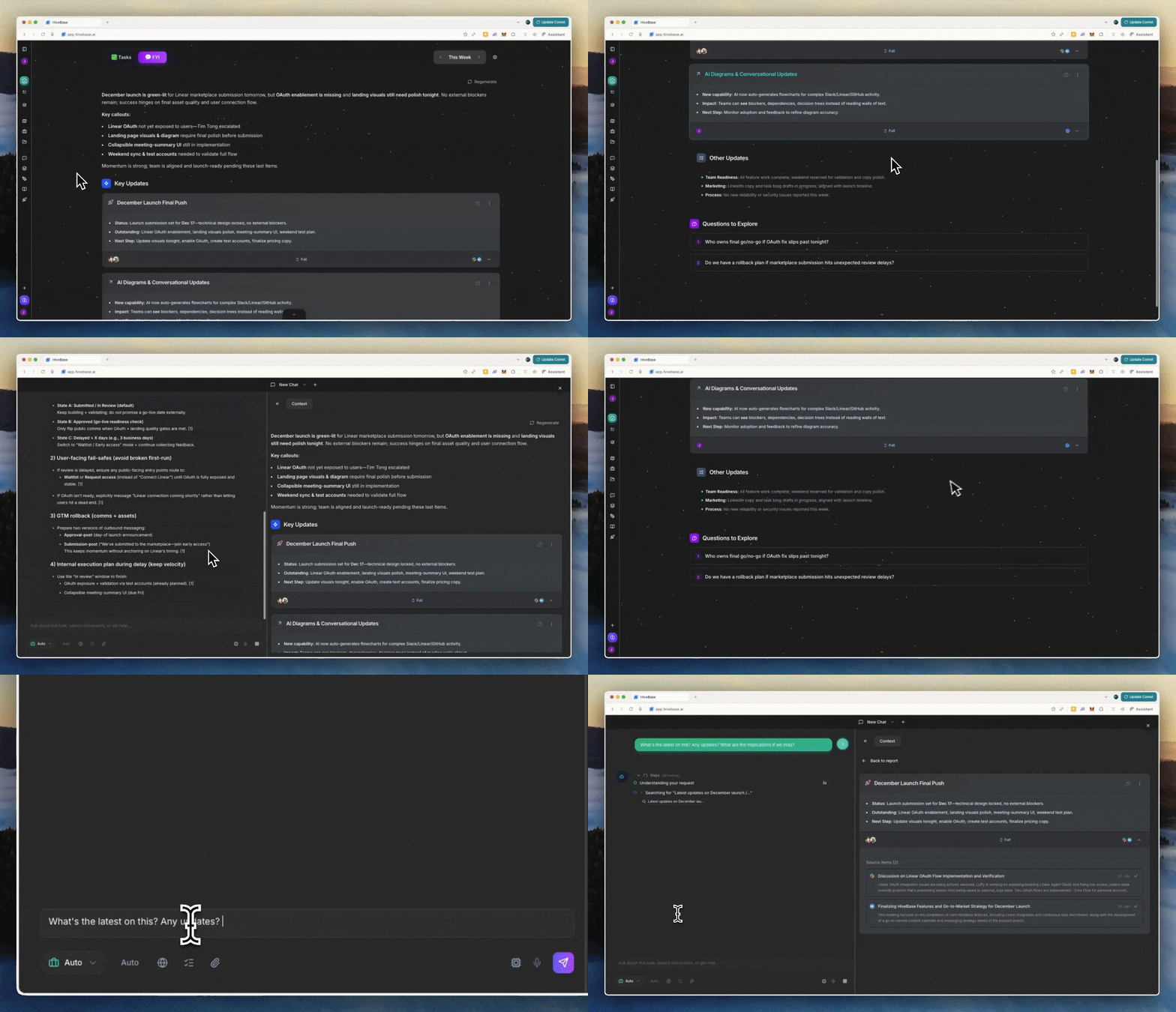
The source-of-truth stays visible while you chat, so you can cross-check details and move from comprehension to action—without context-switching back to Slack, Linear, or Google Drive.
---
FYI is now your visual + interactive command center. Less noise, more clarity, faster decisions.